Entry options that work for you
Manage credentials and access permissions in one system, with a range of entry options for employees, guests and visitors.

Choose the credentials that work for you
Choose how to enter with the EntryBit app, a proximity card, a key fob, a proximity sticker, an entry code or a QR code.
Combine several credentials to suit your needs.
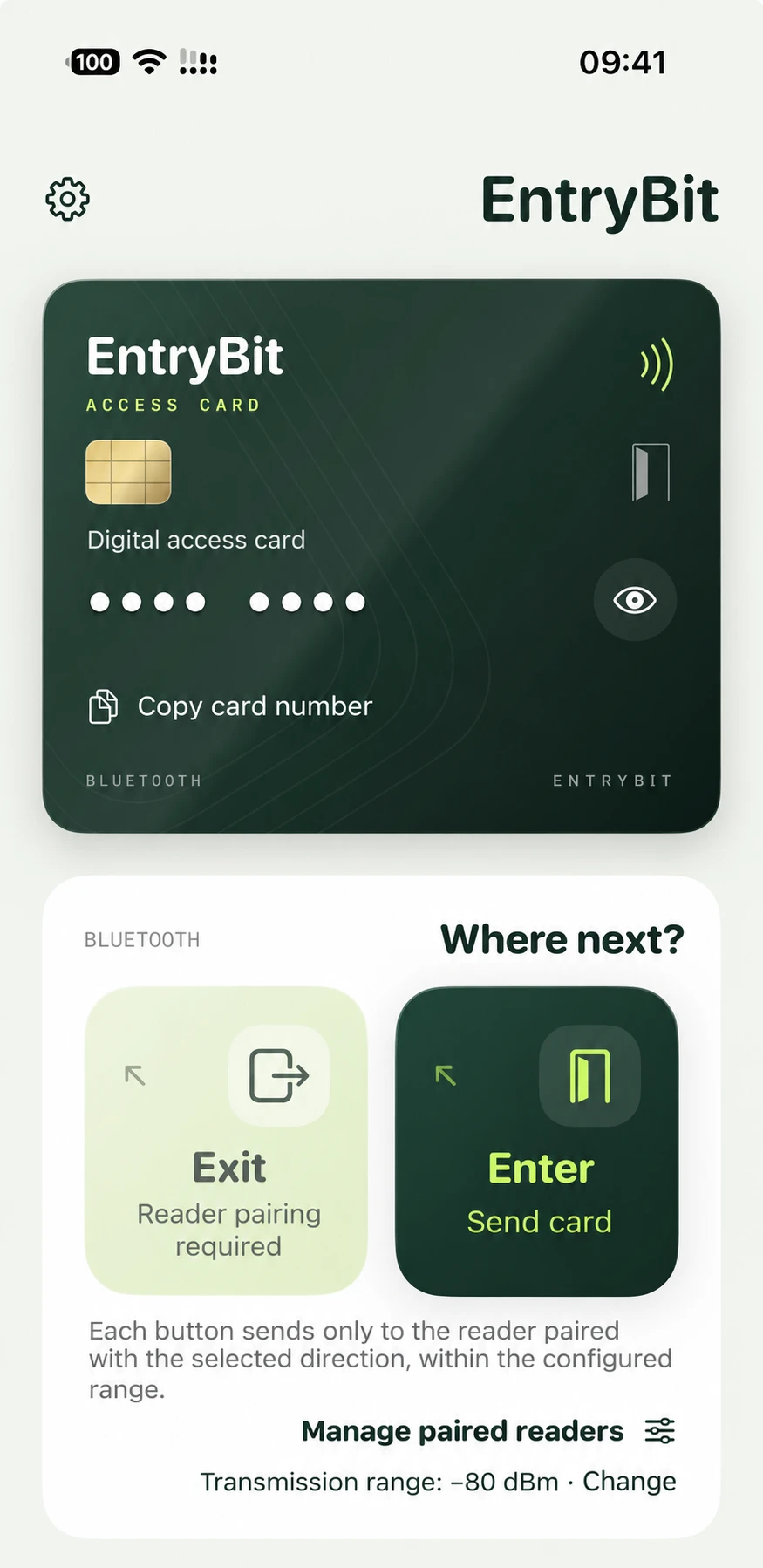
EntryBit app
Open doors directly from the app on your iPhone or Android phone using Bluetooth.
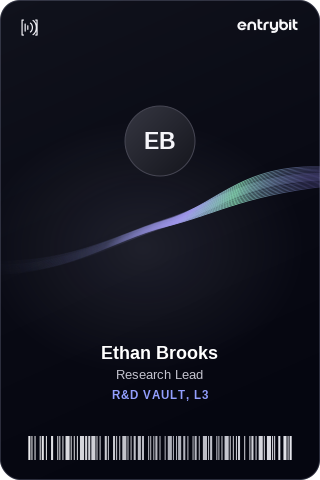
Proximity card
Hold the card up to the reader to open the door according to the permissions you have set.
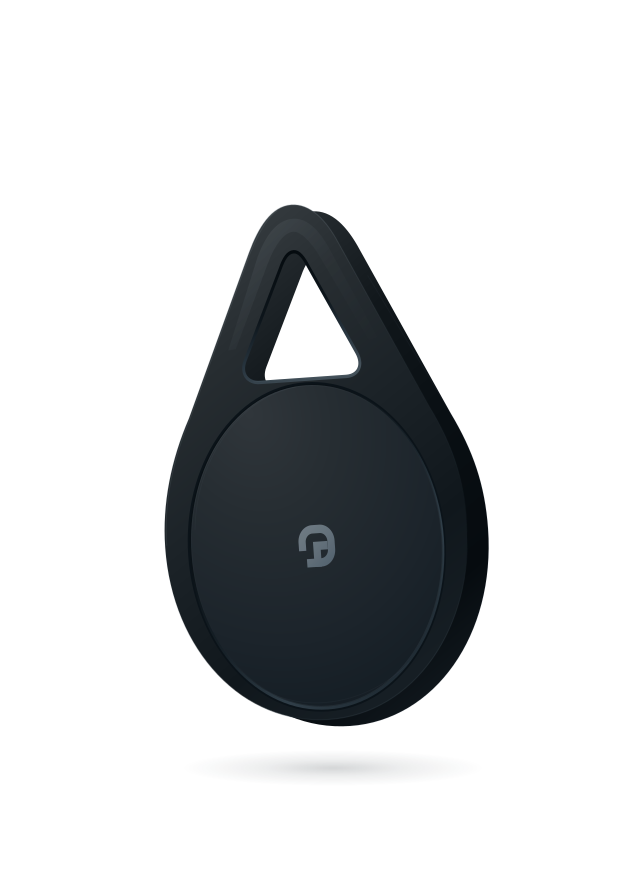
Key fob
Hold the key fob up to the reader to open the door, without needing a phone or card.
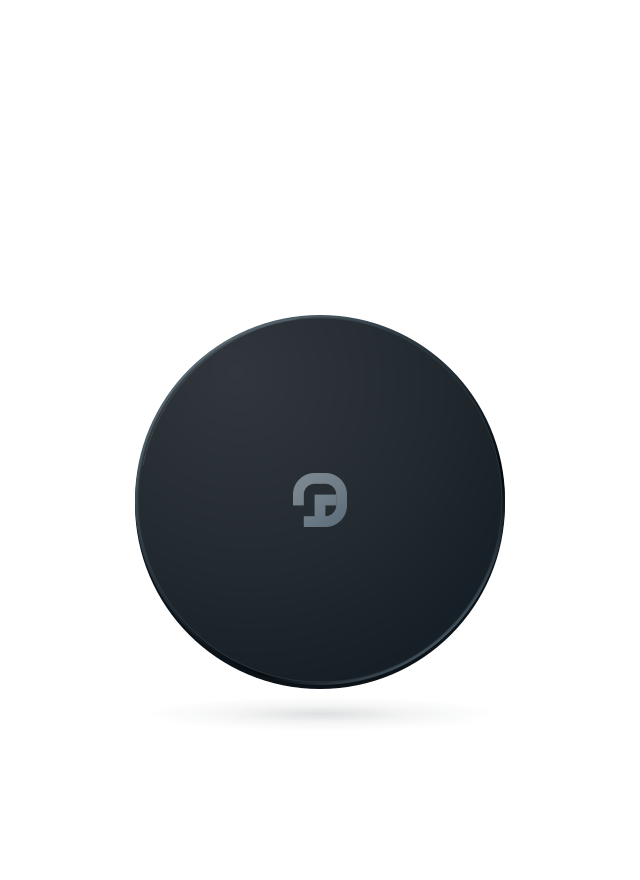
Proximity sticker
Attach the sticker to the back of your phone and use it to open doors with a proximity reader.

Entry code
Enter a personal code on the reader to open the door, without needing a card or phone.
QR code
Send guests a QR code to identify themselves at the entrance, according to the permissions and validity period you have set.
Open doors with a click
The EntryBit extension lets you open doors directly from your browser toolbar without opening the management dashboard.